One of the most common questions customers ask when ordering custom t-shirts or ready-to-press DTF transfers is: "How wide should my print be?" A logo that looks balanced on your laptop screen can easily end up looking like a tiny postage stamp—or an overwhelming chest-to-hem billboard—once it is pressed onto a real shirt.
Choosing the right print size comes down to three things: where the graphic sits on the garment, the shirt or hoodie size range, and the shape (aspect ratio) of your artwork. Use the practical reference measurements below before placing your next order.
Standard Print Widths Used at PrintFlow Studio
When you browse our ready-to-press DTF transfers or plan a custom shirt layout, these five width tiers cover almost every apparel placement:
- Pocket / Left-Chest (Approx. 3.5" to 4" wide): Ideal for company uniform tees, polos, workwear hoodies, and subtle front-pocket crests. Positioned over the wearer's left chest, typically 3 to 3.5 inches below the collar seam on adult shirts.
- Youth Front Graphic (Approx. 8" wide): Scaled specifically for Youth S–L tees and sweatshirts so the artwork doesn't wrap awkwardly under the sleeves. Also works well as a medium center-chest badge on adult XS/S fitted shirts.
- Adult Standard Front or Back (Approx. 10" to 11" wide): The everyday sweet spot for adult unisex S through XL t-shirts. It fills the chest cleanly while leaving natural fabric framing on both sides.
- Adult Large Graphic (Approx. 12" wide): Great for bold statement graphics on Adult L–3XL tees, wide horizontal back prints between the shoulder blades, and crewneck sweatshirts.
- Oversized Graphic (Approx. 13" to 14" wide): Built for heavyweight streetwear tees, 2XL–4XL garments, and full-back event or sponsor layouts where maximum visual impact matters.
Why Artwork Shape (Aspect Ratio) Matters Just as Much as Width
Print sizes are usually listed by width first, assuming proportional scaling—meaning your design's height adjusts automatically without stretching or squishing your art. However, different artwork shapes feel very different at the same width:
- Wide Horizontal Logos (e.g., 10" wide × 3" tall): Look sleek and balanced across the upper chest at 10 to 11 inches wide. On a left chest, a very wide horizontal wordmark may look cleaner at 4 to 4.25 inches wide so tiny subtext stays legible.
- Square or Circular Emblems (e.g., 10" × 10"): Have much more visual weight than a narrow text banner. A solid 11-inch circle can feel massive on a Small tee, whereas 9.5 to 10 inches often looks far more tailored. And on a left chest, circular badges usually look best closer to 3.25 to 3.5 inches wide rather than a full 4 inches.
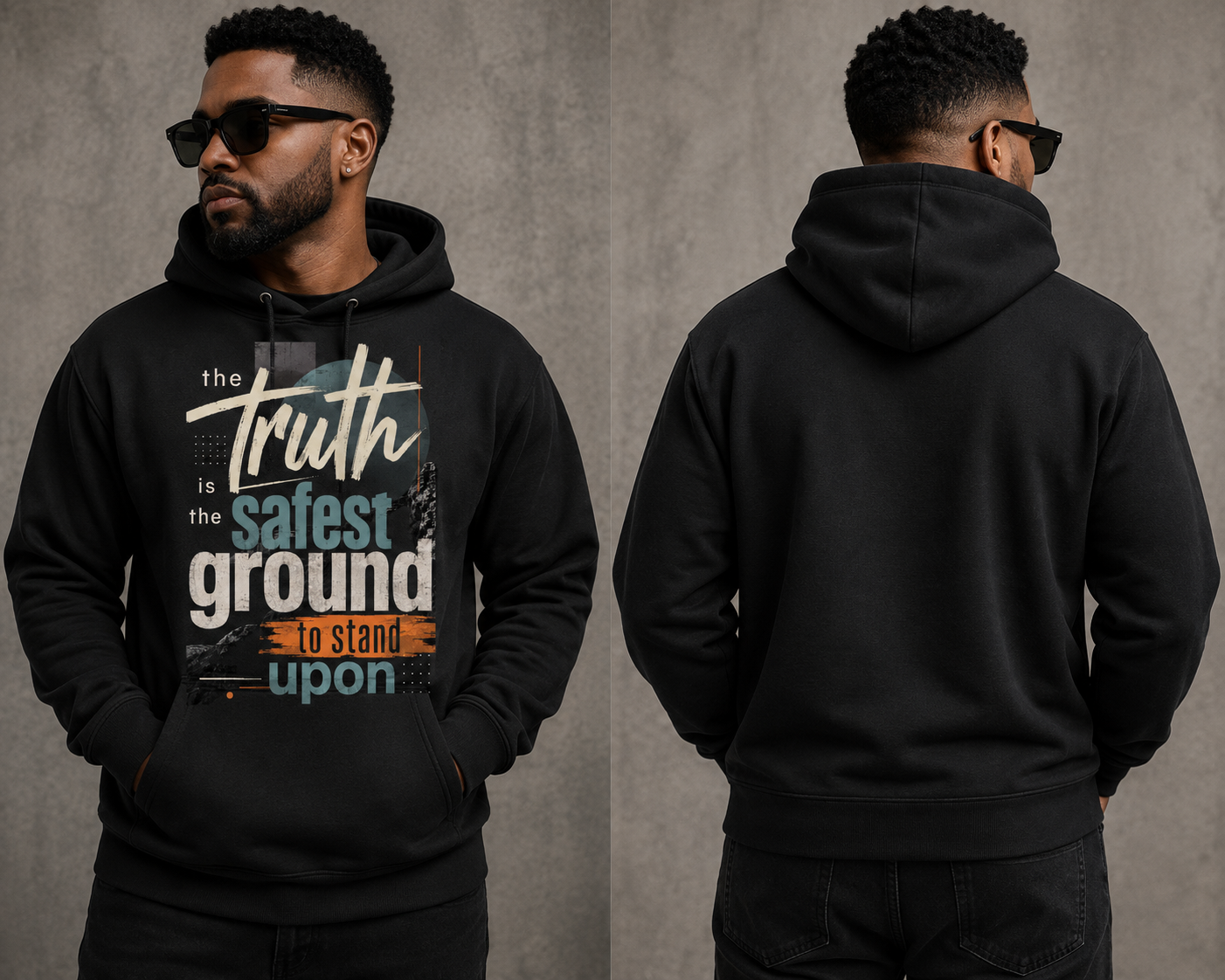
- Tall Vertical Graphics (e.g., stacked book or floral designs): Watch your total print height! On pullover hoodies, the kangaroo pocket cuts into the lower chest—usually leaving 9.5 to 11 inches of vertical space between the collar/drawstrings and the top pocket seam on adult sizes. Sizing a vertical graphic so its height clears the pocket keeps the transfer flat and wrinkle-free.
Handling Mixed Shirt Sizes in One Group Order
If you are ordering shirts for a church group, family reunion, or sports team that spans Youth Small all the way to Adult 3XL, a single transfer width rarely fits both ends of that spectrum equally:
- For orders combining Youth and Adult garments, plan on an 8-inch Youth width for youth shirts and a 10–11 inch Adult Standard width for adult shirts.
- Because Digital DTF doesn't require burning separate screens for each size change, resizing the same artwork file for youth vs. adult garments is straightforward—just mention your youth/adult split when you request your quote.
The 60-Second Paper & Ruler Test Before You Order
Still unsure between two sizes (for example, Adult Standard 10.5" vs. Adult Large 12")? Grab a standard 8.5" × 11" sheet of printer paper and a ruler:
- Lay a shirt you already own and like the fit of flat on a table.
- Hold the 11-inch side of the sheet horizontally across the chest, starting about 3 inches below the collar ribbing.
- Step back or hold the shirt up to a mirror. A standard sheet of paper immediately shows you what an 11" wide × 8.5" tall graphic occupies in real life—making it easy to decide whether you want slightly more room (12") or a more compact print (8"–10").
Remember to crop any empty transparent margin tightly around your artwork before exporting so your file width reflects the actual visible graphic. Read our Artwork Preparation Guide for step-by-step export tips.
Need Help Sizing Your Design?
Order ready-to-press DTF transfers in 5 preset widths, or request finished custom shirts and let us recommend balanced dimensions on your digital proof.